
TikTok Watermark Remover — The Clean Original File, Not a Patched-Up Copy
Remove the watermark the clean way — download the post’s original file with no watermark in it. No cropping, no blur, full quality.
First, an Honest Explanation of How This Works
Most “watermark remover” tools start from a video that already has the watermark burned into it, then try to hide the damage — cropping the frame, blurring the corner, or painting over the mark. Something is always lost in the process: part of the picture, or a visible smudge sitting where the mark used to be.
MusicallyDown does something different, and better. The watermark is not part of the original video. TikTok stamps it on at the moment a video leaves the app through the save or share button — it is added to the copy, never to the source file. So instead of repairing a stamped copy, this tool fetches the source itself: paste the post’s link above, and you download that same video with no watermark in it, at full quality, with nothing cropped, blurred or rebuilt.
That is also why there is no upload button on this page. If you have already saved a watermarked copy to your phone, no honest tool can un-burn the mark from it — anyone who promises otherwise is selling you a blur. The genuine fix takes ten seconds: find the original post, paste its link here, and take the clean version.
How to Get a TikTok Video Without the Watermark
Step 1: Open the video in TikTok → Share → Copy Link.
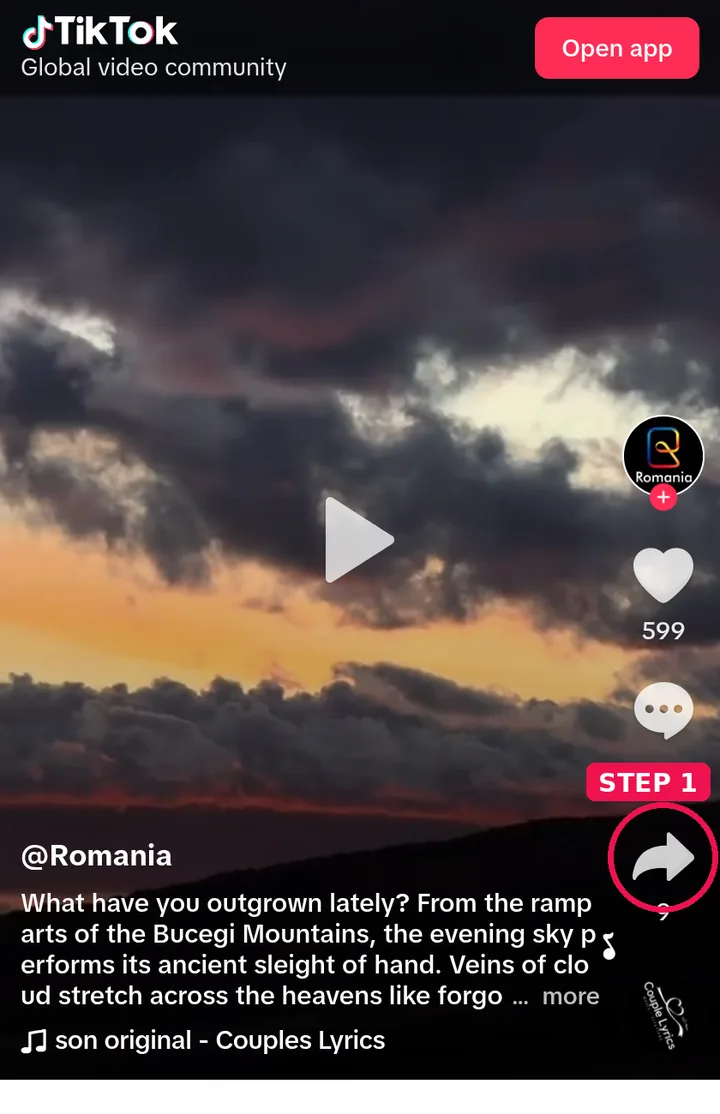
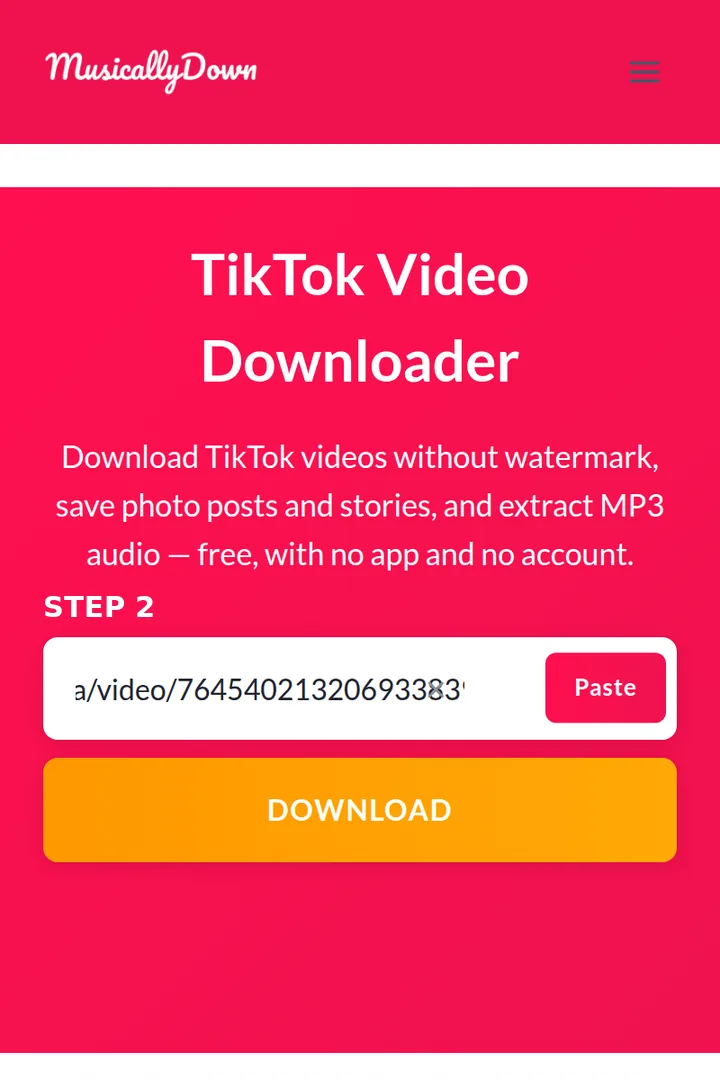
Step 2: Paste the link into the box above.
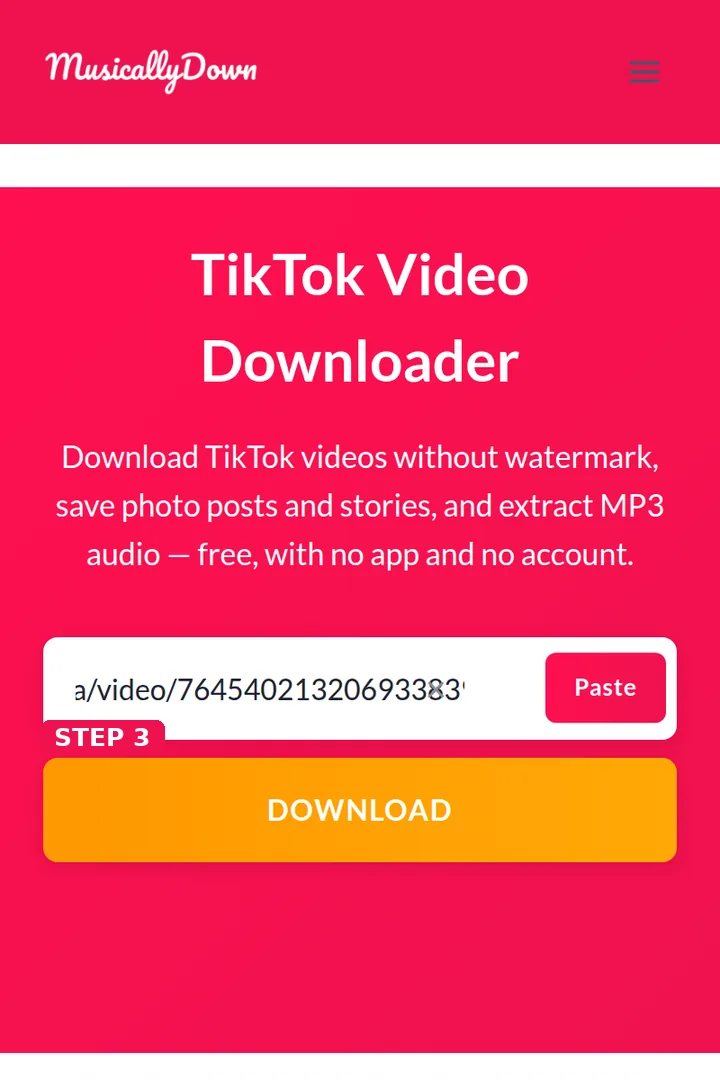
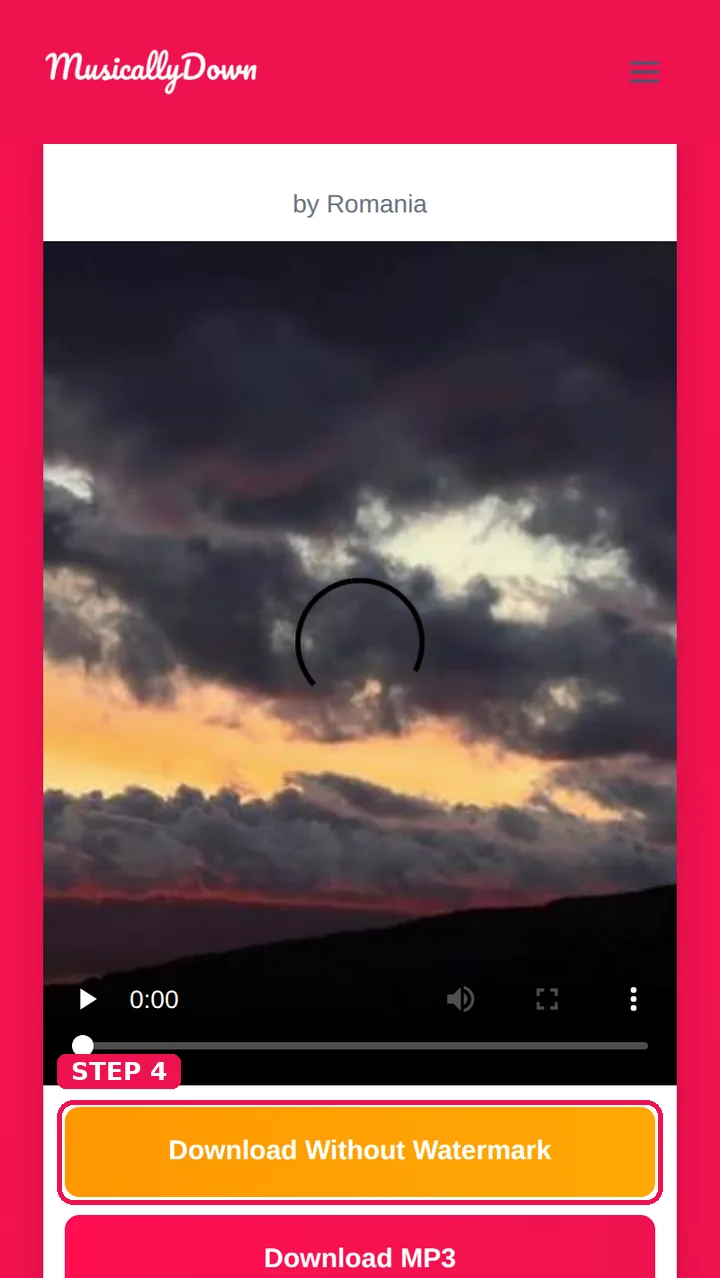
Step 3: Press Download, then choose Download Without Watermark (or HD when it is offered).
Step 4: The clean MP4 saves to your device — check it: no moving logo, no username stamp, picture from edge to edge.
Watermark-Free vs the Other “Fixes”
| Method | Picture quality | Frame | Traces left |
|---|---|---|---|
| MusicallyDown (source file) | Original, untouched | Full frame | None — the mark was never there |
| Cropping the edges | Original in what remains | Top/bottom or sides cut off | Missing content, wrong shape for reposting |
| Blur / patch tools | A smeared patch where the mark sat | Full frame | An obvious blur box that looks edited |
| AI inpainting services | Rebuilt pixels, varies | Full frame | Costly, slow, with artefacts on movement |
Why the Watermark Exists at All
It is TikTok’s advertising and attribution in a single stamp: the bouncing logo tells every viewer where the video came from, and the username credits the person who made it. Removing it for your own viewing, editing practice or offline archive is a normal use of a downloader. Passing the clean file off as your own work is not — the absence of a watermark transfers nobody’s rights, and creators can still recognise and claim their content. Use clean copies responsibly.
See also: TikTok to MP4 and TikTok Video Saver — the other tools in this set.
Frequently Asked Questions
No — and be suspicious of any site that claims it can. A burned-in watermark is part of the picture itself. The method that works is the one on this page: download the clean original through the post’s link. (It is the method people are looking for under both spellings of this tool’s name, musicaldown and musicallydown.)
Yes — same resolution, same sound, same length. It is the file TikTok itself stores for the post.
Photo posts have no watermarked-video problem; their images download clean, one by one, through the TikTok Photo Downloader.
No. Once a post is gone, its source file is gone with it. If all you hold is a watermarked copy, that copy is what exists.
Downloading tools sit outside TikTok’s app, and personal use is the accepted norm — TikTok itself lets creators allow downloads of fairly clean copies in some flows. What clearly breaks both rules and law is re-uploading other people’s work as your own, with or without a watermark.
TikTok shifts it between corners during playback specifically so that it cannot be cropped out with a single cut — one more reason fetching the clean source beats editing a stamped copy.
Yes, like the rest of MusicallyDown — no limits, no sign-up, supported by ads.
Only the rights question matters here: if the creator has licensed the video to you, downloading the clean copy through its link is the practical way to get it. Without permission, a clean copy does not make commercial use safe.