
TikTok Photo Downloader — Save Every Slideshow Photo Individually, at Full Size
Download every photo in a TikTok slideshow post at full size — plus the post’s sound as an MP3.
TikTok Posts Are Not All Videos
Photo mode posts — slideshows of still images with a sound playing over them — are now a core TikTok format: outfit shots, before-and-afters, photo dumps, infographics, menus, price lists, study notes. TikTok’s own save button handles them badly, exporting the whole post as a slideshow video, so the photos come out compressed, timed to the music, and useless as images.
This downloader treats a photo post as what it actually is. Paste its link, and every photo in the set is offered as its own full-size image file, ready for your gallery. The post’s sound comes along separately as an MP3, in case that is what you were really after.
How to Download TikTok Photos
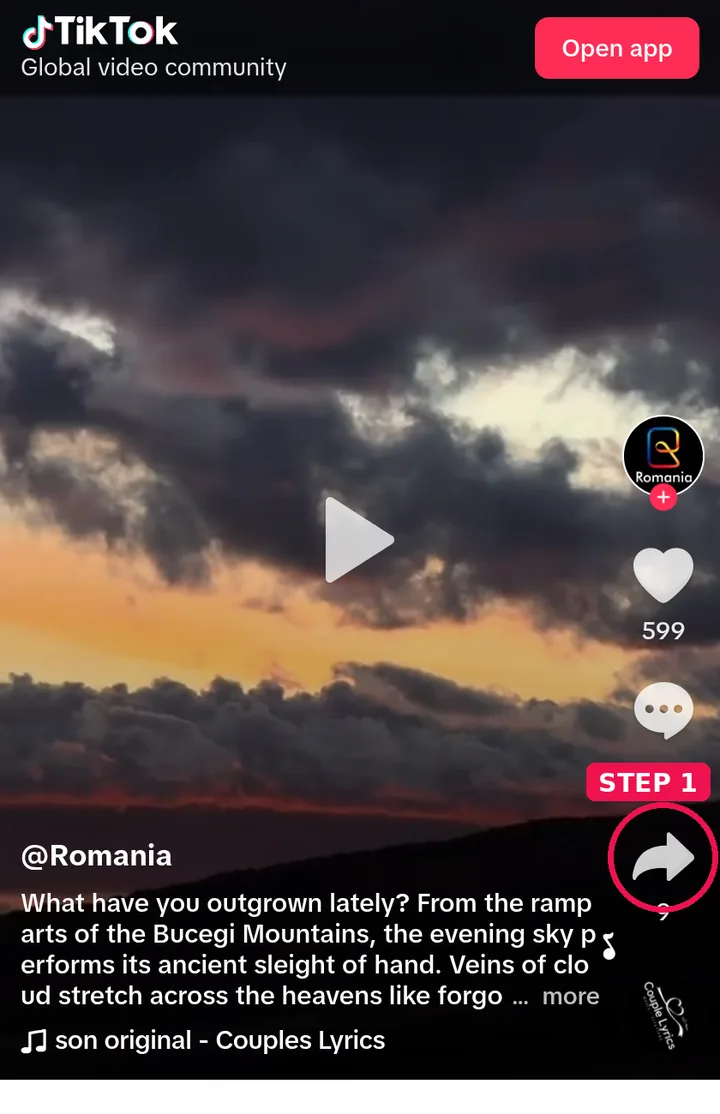
Step 1: Open the photo post in TikTok → Share → Copy Link.
Step 2: Paste the link into the box above and press Get Photos.

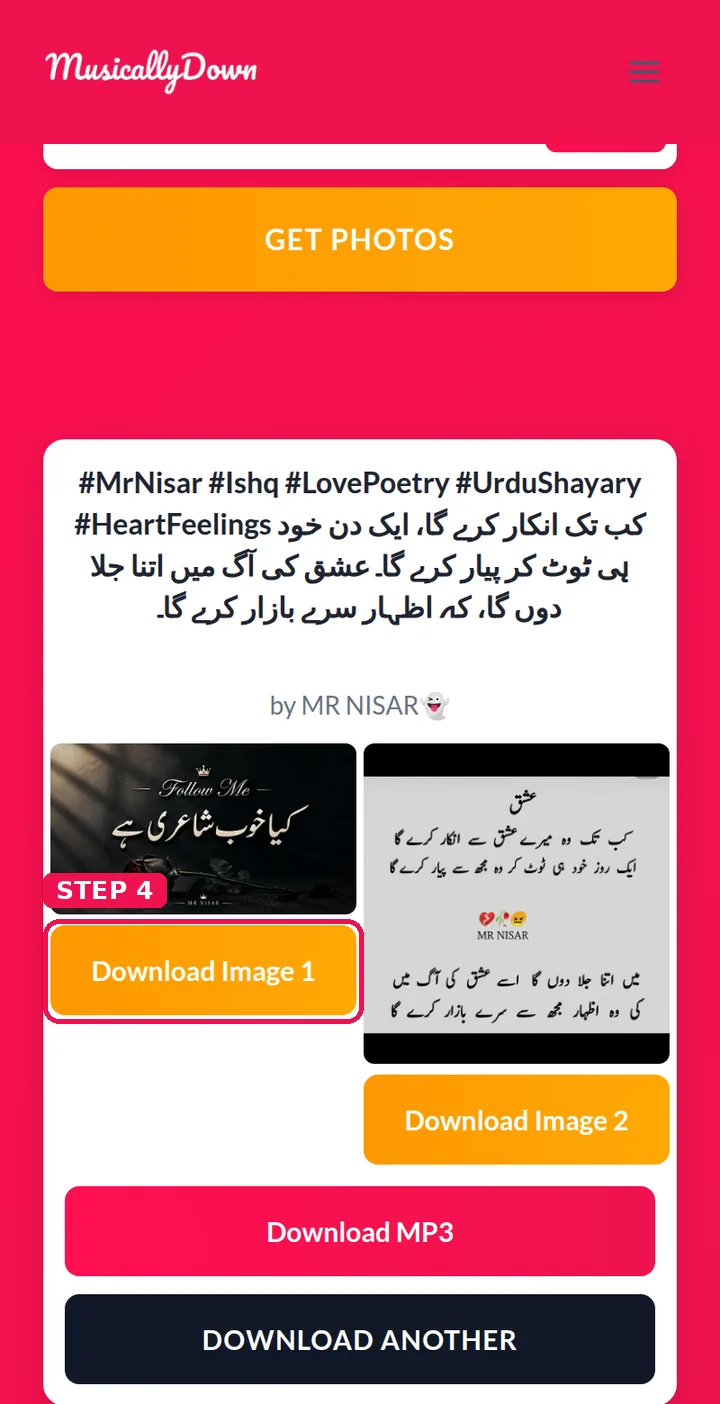
Step 3: Each photo appears in the results with its own download button — save the ones you want, or save all of them.

Step 4: Images land in your Downloads folder (the Files app on iPhone), at the size the creator uploaded.
Why Individual Photos Matter
A screenshot of a slideshow frame is cropped, compressed and often caught mid-transition. The original image file is none of those things: full frame, full resolution, correct colours. That difference matters when the post is a price list you need to read, a recipe card you want to keep, reference photos for your own work, or pictures of your own that you posted from another device and want back at full quality.
See also: TikTok Story Downloader and TikTok to MP3 — the other tools in this set.
Frequently Asked Questions
Each photo has its own button, so you choose exactly which ones to keep. On most phones, saving a whole set still takes under a minute.
The original files as uploaded — typically JPG or WebP at the creator’s full resolution. Nothing is resized or re-compressed here.
This tool gives you the better artefact — the separate images. If you truly need a slideshow video file, TikTok’s in-app save produces one, with a watermark.
Paste a video link and you will get the video options instead. One box recognises the post type on its own; the dedicated video tools are on the TikTok to MP4 page.
Some photo posts genuinely contain a single image. Others may still be loading — run the link once more.
No. Only public posts can be fetched, the same as with every tool on this site.
It is offered as an MP3 in the same results — photo posts use full audio tracks, and many people come for the sound alone. (Plenty of them arrive by searching the other spelling of the name, musicallydown, and land on this same tool.)
Their creator. Saving a copy for reference or personal use is normal; republishing someone’s photography as your own is not, and a download button changes nothing about that.