
TikTok Story Downloader — Keep Stories Before the 24 Hours Are Up
Save public TikTok stories as MP4 videos before they expire — no watermark, no app, and no notification to the creator.
Stories Are Built to Disappear — Sometimes You Need Them Not To
A TikTok story lives for 24 hours and then it is gone: the announcement, the limited-time offer, the behind-the-scenes clip, the moment a creator shares something personal and temporary. Most of the time that ephemerality is the point. But sometimes a story holds something legitimately worth keeping — event details for something you cannot attend live, a recipe step posted only as a story, your own story that you forgot to save before posting it.
This tool saves a public story as an ordinary MP4 while it is still live — and unlike some well-known tools that list a story saver as “coming soon”, this one is working right now. Paste the story’s link, press download, and the file sits on your device permanently: no watermark, original quality.
How to Download a TikTok Story
Step 1: Open the story in TikTok and use its share option to copy the story link. (On some versions: tap the share arrow while the story plays.)
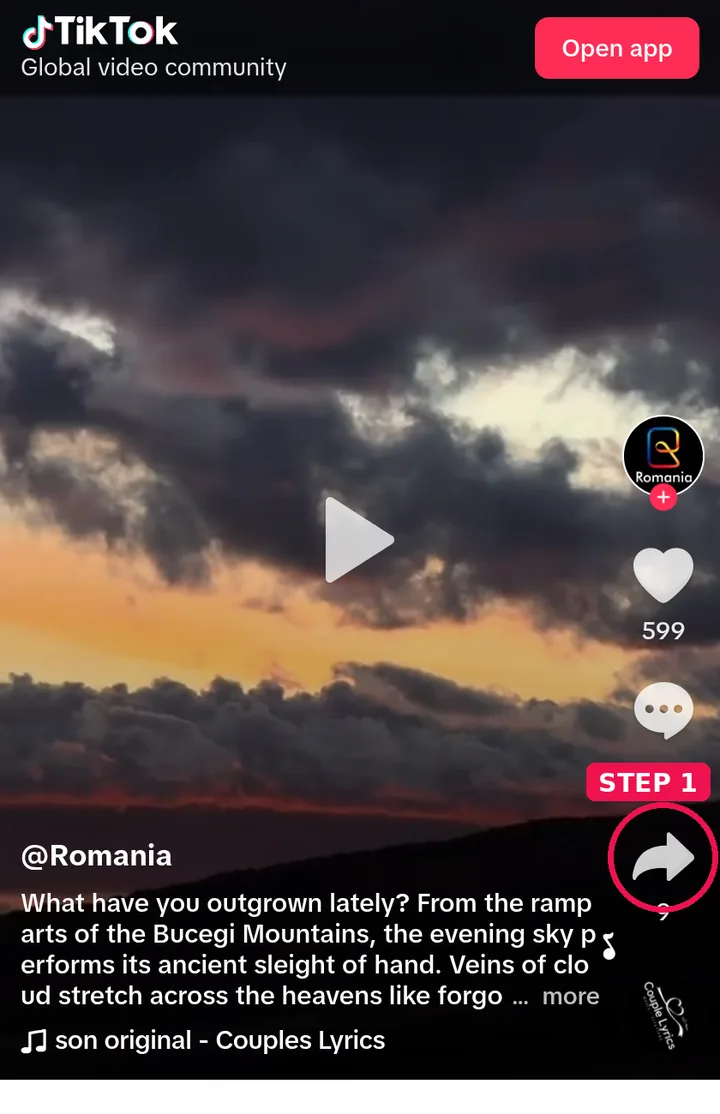
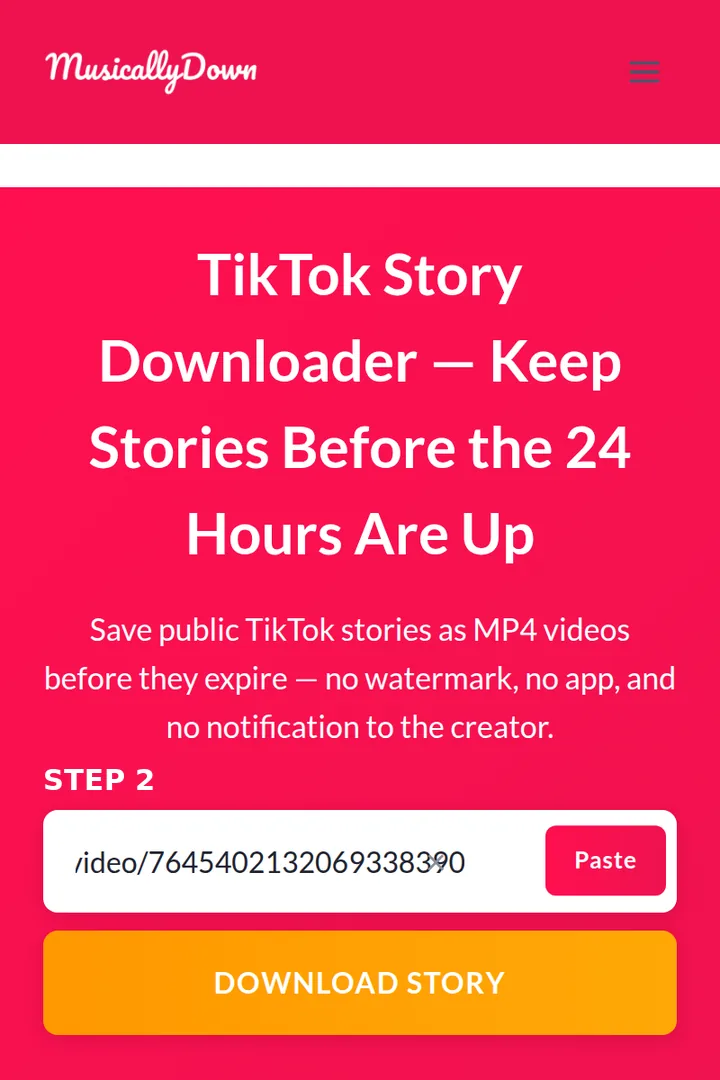
Step 2: Paste the link into the box above.
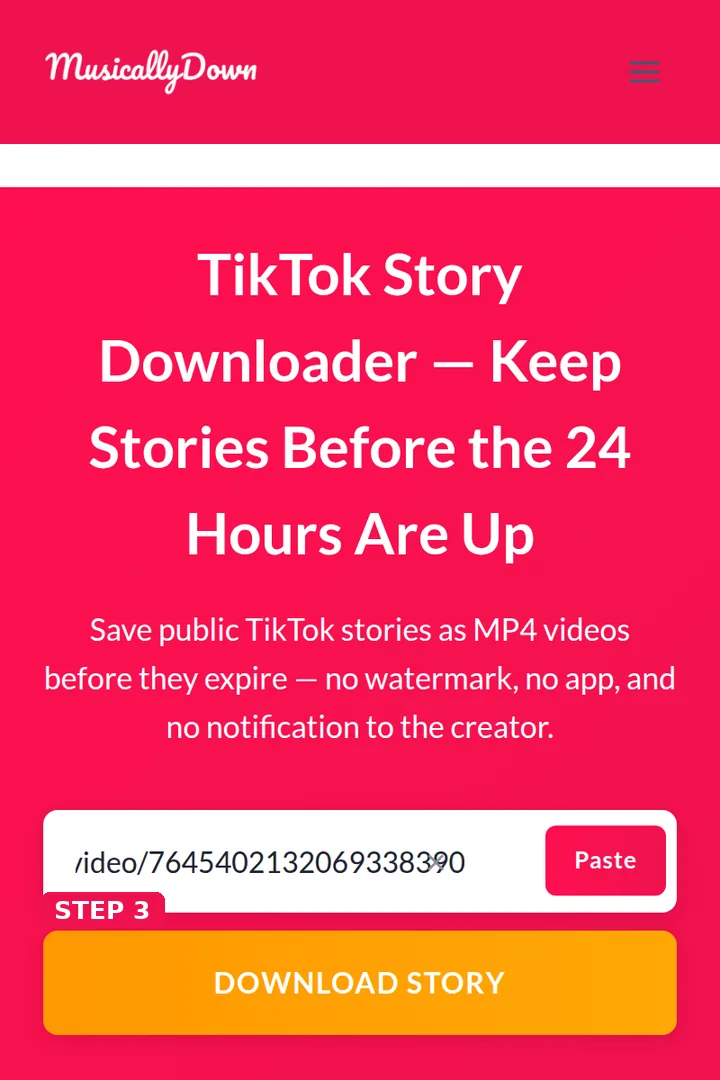
Step 3: Press Download Story and wait a few seconds.
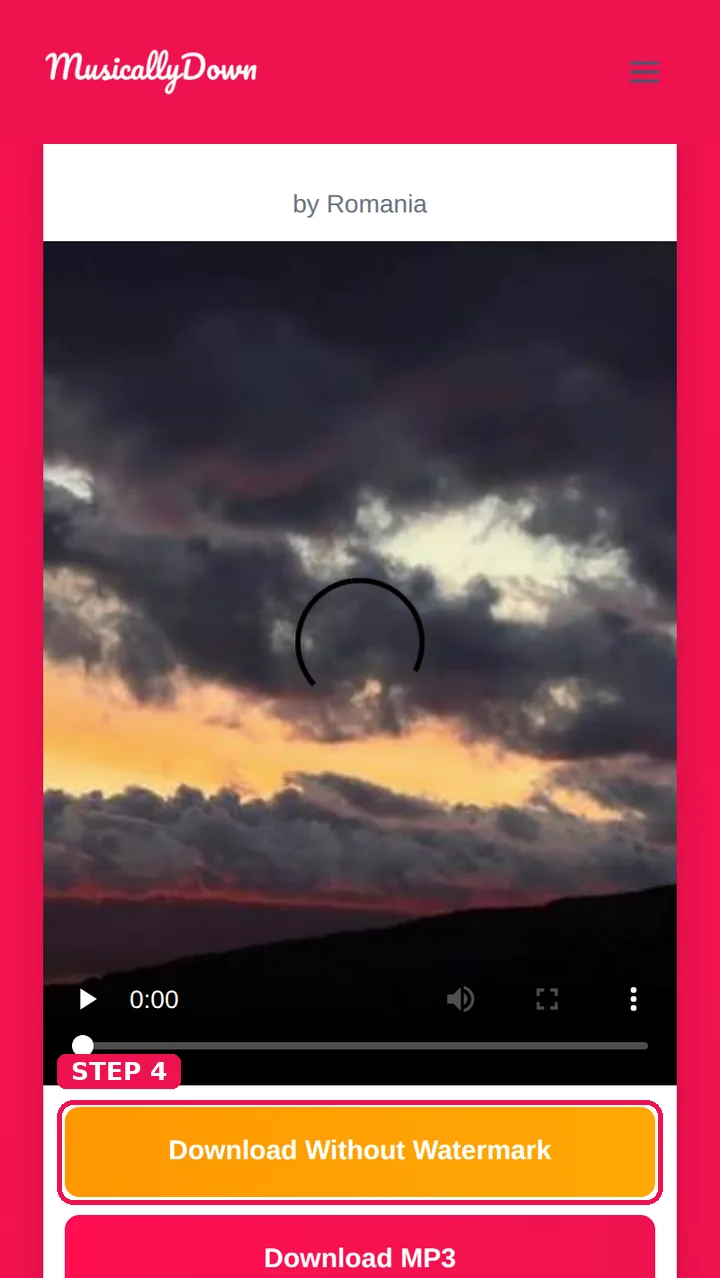
Step 4: Save the MP4 from the results — the Downloads folder on Android and computers, the Files app on iPhone.
Timing matters: a story that has already expired cannot be fetched by anyone. If a creator later reposts the content as a regular video, that post’s link will work in the tools here like any other.
Stories vs Regular Posts — What Is Different?
Stories are vertical, short and time-boxed; they sit in a separate viewer and have no permanent post page of their own. The link you copy may look slightly different from a video link, but the tool handles it the same way. Only public accounts’ stories can be saved — a private account’s stories are visible only to its followers inside the app, and that boundary is respected here absolutely.
See also: TikTok Photo Downloader and TikTok Video Saver — the other tools in this set.
Frequently Asked Questions
No. TikTok shows creators a list of story viewers inside the app, but downloading through MusicallyDown sends no notification and adds nothing anywhere.
No. Expired stories are deleted from TikTok’s side, and there is nothing left to fetch. Inside the 24 hours is the whole window.
No. Private stories are followers-only inside TikTok, and this tool does not bypass that.
MP4 video, at the quality the story was uploaded — the same format as regular video downloads, explained further on the TikTok to MP4 page.
Most often the story has just expired, or the copied link was from a regular post (which also works — you will simply get that post’s options). Re-open the story, copy its link again, and retry while it is live.
Yes — and it is a good backup habit, since TikTok’s own “save” for stories is easy to forget in the moment of posting. Your public story’s link works here like anyone else’s. Whichever spelling you searched to get here, musicaldown or musicallydown, the saver works the same.
No fixed limit. As with all the tools here, very rapid repeated use may be slowed briefly to keep the service responsive.
Stories only. Highlights and live streams are different formats; a live broadcast cannot be saved while it is running, though a replay posted as a normal video works as a regular download.